
Help · For care aides and nurses
The medication pass
Record each dose right after you give it, on the Daily MAR or on the resident’s own medication list. Every entry is signed with your name and time.
Find the resident
You can record a dose in two places. Both show the same doses and ask the same questions, so use the one that suits you.
- Daily MAR: choose the resident at the top. Their doses for today are listed by time, and you record each one right there. When you are done, Next resident under the list takes you to the next room.
- The resident’s record: the Today screen lists the doses that are due and missed. Tap a resident there, or open Residents and tap their name. Their medications open first.
Each dose shows where it stands:
- Due now: within an hour either side of its time.
- Later today: not due yet.
- Missed: an hour or more past its time with nothing recorded.
After midnight, last night’s unrecorded doses still show, marked Yesterday with their time, for 6 hours after that time. On the Daily MAR they are listed above today’s doses, under Outstanding from yesterday. Record a late evening dose against its own time, not tonight’s.
A new order that starts today begins with its next time. Its times that had already passed when the order was added are not due today and are never shown as missed. The Daily MAR says Not due beside them, with the time the order was added. This is the same when a nurse changes an order.
Record a dose you gave
- Check the allergies and any warning shown with the medication.
- Give the medication.
- Tap Mark as given.
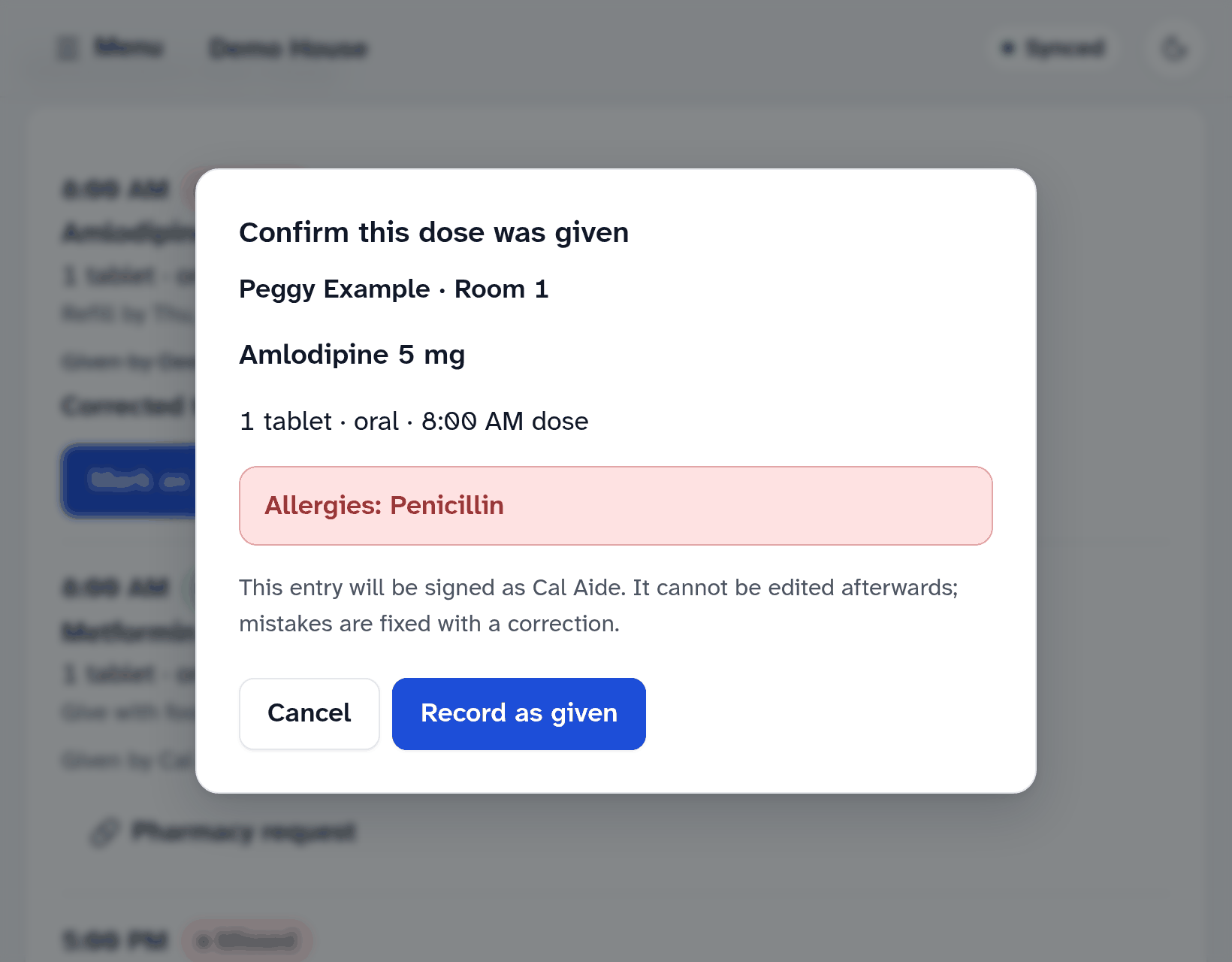
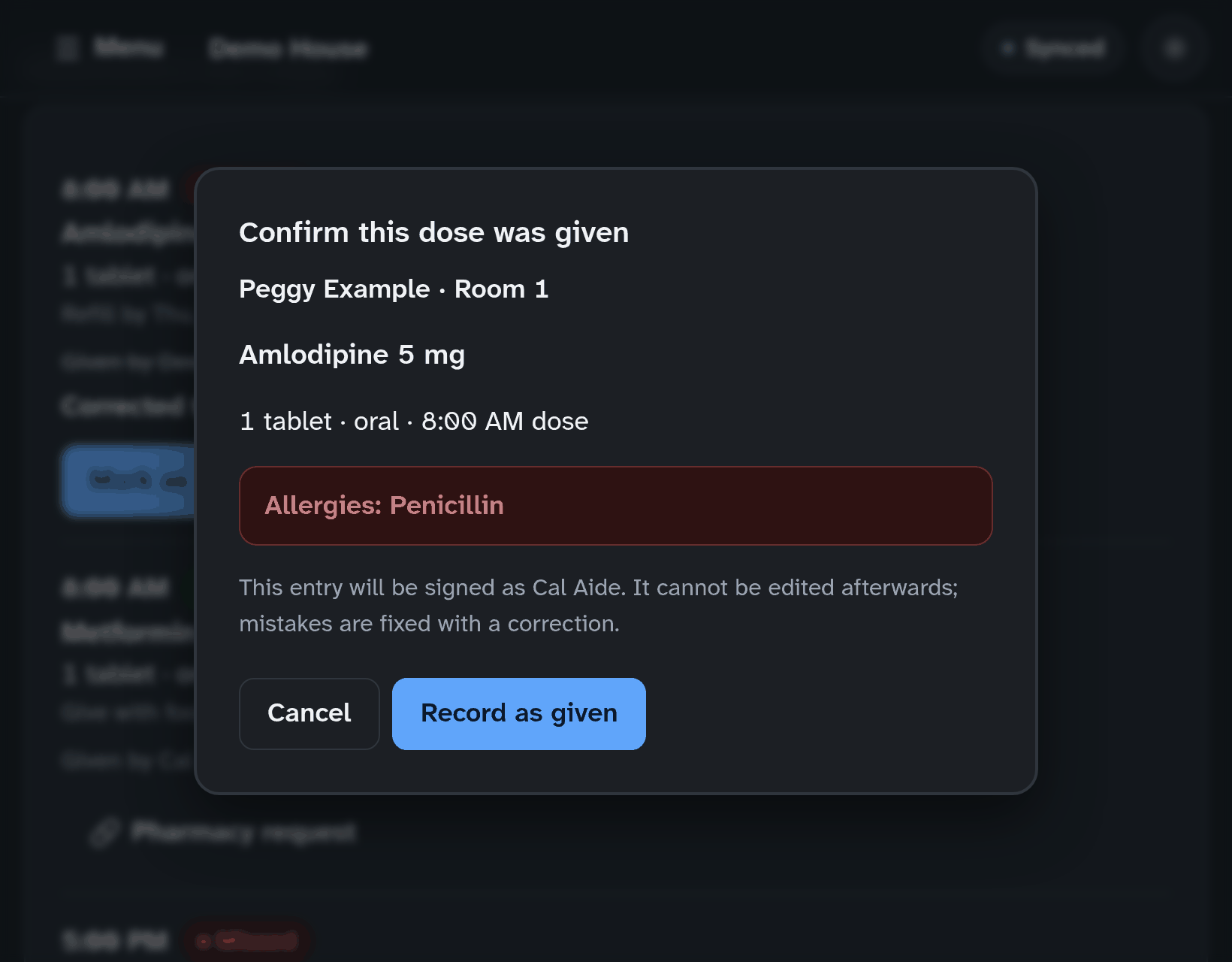
- MapSorix Care shows the resident, their room, the medication, the dose, the time and their allergies. Check them, then tap Record as given.
A dose given late
If you record a dose more than an hour after its time, MapSorix Care asks why it was given late. Write a short reason, for example “resident at an appointment until 10:30”. It stays on the record with the dose.
When a dose isn’t given
Tap Refused or Held, choose the reason and confirm. Then tell the nurse.
- Refused: the resident declined, was asleep and couldn’t be woken, or was out of the home.
- Held: on the nurse’s or physician’s direction, vital signs outside the ordered range, the resident was unwell (vomiting or unable to swallow), or the medication wasn’t available.
Giving an as-needed dose
- Find the medication: under As-needed medications on the Daily MAR or on the resident’s record. It shows what it is for and the least time between doses. The Daily MAR shows the doses given today; the resident’s record shows when it was last given.
- Tap Record as-needed dose.
- Write why it is needed, for example “knee pain 6 out of 10”. You can add how well it worked now or later in the care notes.
- Tap Record as-needed dose.
If it is too soon since the last dose, MapSorix Care says when it was last given and won’t record it. Check with the nurse.
Good to know
- An entry can’t be edited afterwards. If you made a mistake, see Correcting a mistake.
- If nothing is recorded within about an hour of a dose’s time, MapSorix Care adds it to Alerts in the menu, where the whole home can see it.
- If someone records the same dose on another tablet while you are confirming it, MapSorix Care stops and says who recorded it and when. Check with them before giving anything.
- If a dose is recorded as given twice, it shows Duplicate entry — notify the nurse.
- A discharged resident’s doses can’t be recorded.
- If the tablet’s clock is wrong by more than 5 minutes, MapSorix Care won’t record doses until the administrator sets the date and time.
- A medication running low? Open the resident’s record and tap Pharmacy request on the medication. A nurse or administrator sends the request.
- Only nurses and administrators add or stop medication orders, signed in with their password. When the physician stops a medication, open the resident’s record, find it under Medication orders, tap Discontinue order and give the reason. It is no longer due from then on, and doses already recorded stay on the record. To change a dose or its times, tap Change this order: copy the new order from the prescription, tick that you checked it, and the old order stops as the new one starts.
- The Daily MAR also shows any earlier day’s record, for checking and printing. Doses are recorded on today’s record: if you are looking at another day, Go to today takes you back. Orders, refill dates and pharmacy requests are on the resident’s record; on the Daily MAR, Open resident record takes you there.
More help
- Signing in on a care tablet
- The medication pass
- Correcting a mistake
- Writing a care note
- When the internet drops
- Recording vital signs
- Filing an incident report
- Clocking in and out
- Care plans and assessments
- The family portal
- Your pharmacy and the pharmacy portal
- The pharmacy portal, for pharmacies
- Staff, tablets and support access
- Resident billing
- Getting ready for an inspection
All help · Questions: care@mapsorix.com or (306) 400-1800, Monday to Friday, 9 AM to 5 PM Saskatchewan time.